Chapter 1: Understanding IPTV Technology
Before diving into setup, let's understand how IPTV actually works. This knowledge will help you make better decisions and troubleshoot issues effectively.
How IPTV Works
IPTV (Internet Protocol Television) delivers television content through internet protocol rather than traditional terrestrial, satellite, or cable formats. Here's the technical flow:
- Content Source: Live TV channels and VOD content hosted on servers
- Internet Delivery: Content streams via internet to your device
- IPTV Player: App on your device decodes and displays the stream
- Your Screen: You watch on TV, phone, tablet, or computer
Types of IPTV Services
- Live TV: Real-time streaming of television channels
- Video on Demand (VOD): Movies and series available anytime
- Time-Shifted TV: Catch-up TV and start-over features
- TV on Demand: Recorded programs available for limited time
Chapter 2: Hardware Selection Guide
Choosing the Right Device
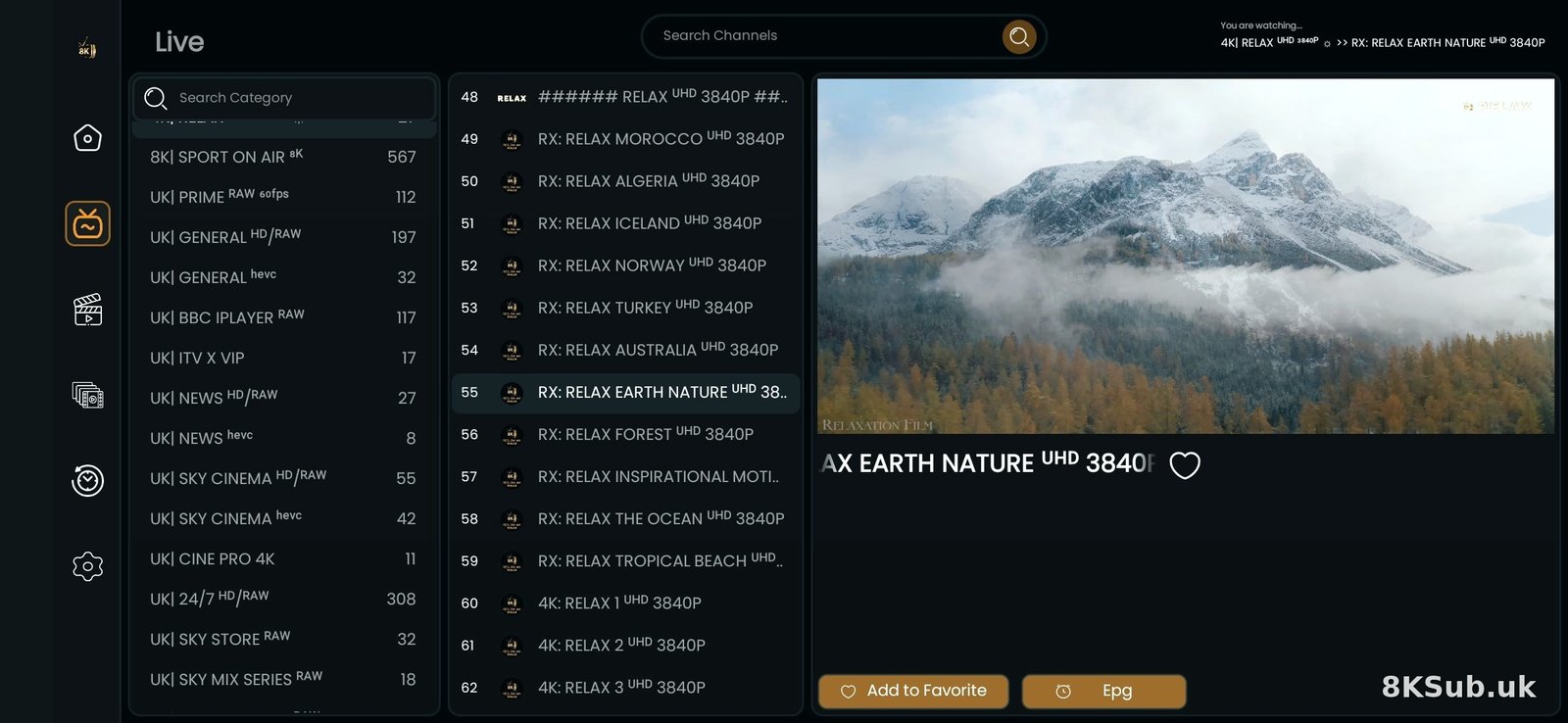
Your streaming device significantly impacts your IPTV experience. Here are the best options for UK users in 2026:
🏆 Top Recommendations:
1. Amazon Firestick 4K Max
- Pros: Affordable (£40-60), powerful processor, 4K support, easy setup
- Cons: Limited storage, Amazon ecosystem
- Best For: Most users, especially beginners
2. NVIDIA Shield TV Pro
- Pros: Most powerful, AI upscaling, gaming capable
- Cons: Expensive (£150-200)
- Best For: Power users, 4K enthusiasts
3. Formuler Z11 Pro
- Pros: Built for IPTV, excellent EPG, recording capability
- Cons: Premium price, steeper learning curve
- Best For: Serious IPTV users wanting traditional TV experience
4. Smart TV (Samsung/LG/Sony)
- Pros: No extra device needed, clean setup
- Cons: App limitations, slower updates
- Best For: Minimalist users
Essential Accessories
- Ethernet Adapter: For stable wired connection (highly recommended)
- USB Hub: Expand Firestick's limited ports
- External Storage: For recording (if supported by your device)
- Universal Remote: Control everything with one remote
- HDMI Extender: Better WiFi reception for Firestick
Chapter 3: Network Optimization
Internet Speed Requirements
Your internet speed determines streaming quality. Here are the minimums:
| Quality | Minimum Speed | Recommended |
|---|---|---|
| SD (480p) | 3 Mbps | 5 Mbps |
| HD (720p) | 5 Mbps | 8 Mbps |
| Full HD (1080p) | 8 Mbps | 15 Mbps |
| 4K Ultra HD | 20 Mbps | 25+ Mbps |
WiFi vs Ethernet
Ethernet is always better for IPTV. Here's why:
WiFi Connection:
- ❌ Subject to interference
- ❌ Shared bandwidth with other devices
- ❌ Signal strength varies
- ✅ Convenient and flexible
Ethernet Connection:
- ✅ Consistent speed
- ✅ No interference
- ✅ Lower latency
- ✅ Better for 4K streaming
- ❌ Requires cable
Router Optimization
Optimize your router for streaming:
- Use 5GHz Band: Less congested, faster speeds
- QoS Settings: Prioritize streaming device
- Channel Selection: Use WiFi analyzer to find best channel
- Firmware Updates: Keep router updated
- Positioning: Central location, elevated, away from interference
VPN Considerations
Should you use a VPN with IPTV?
Pros:
- Enhanced privacy
- ISP can't see what you're streaming
- Access geo-restricted content
- Protection on public WiFi
Cons:
- Can reduce speed (5-15%)
- May cause buffering if server is slow
- Additional cost
Recommendation: Use a VPN with UK servers and fast speeds. Test with and without to see impact.
Chapter 4: Application Configuration
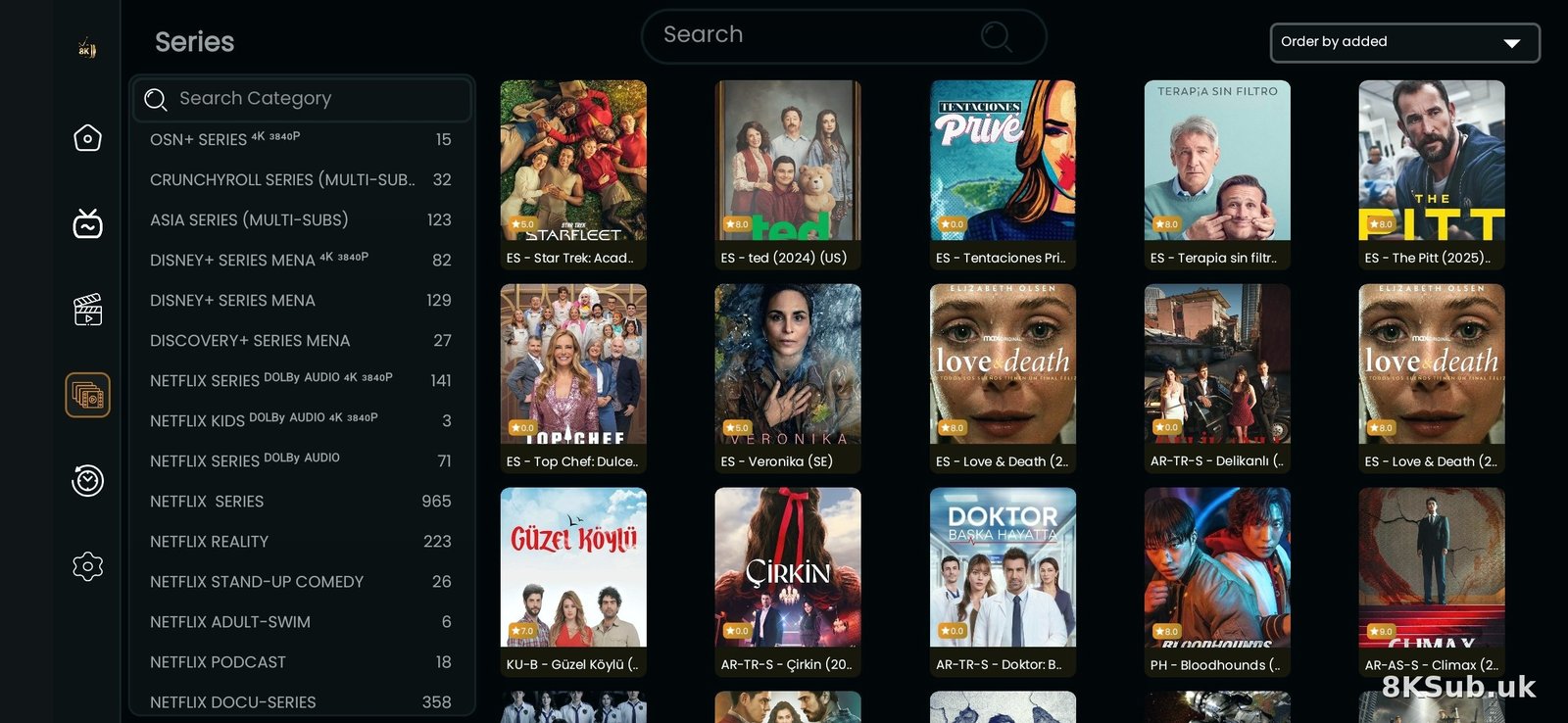
Best IPTV Apps for 2026
🏆 TiviMate (Premium Choice)
Features:
- Modern, customizable interface
- Excellent EPG support
- Recording capability
- Multi-view (watch 4 channels)
- Search functionality
- Parental controls
Best For: Users wanting premium experience
IPTV Smarters Pro (Beginner Friendly)
Features:
- Easy setup
- Built-in player
- VOD section
- Catch-up support
- Multi-screen
Best For: Beginners and casual users
Perfect Player (Lightweight)
Features:
- Minimal resource usage
- Clean interface
- External player support
- EPG support
Best For: Older devices, minimalists
Optimal Settings Configuration
Video Settings:
- Decoder: Hardware (better performance)
- Aspect Ratio: 16:9 (standard widescreen)
- Frame Rate: Auto (matches source)
- Resolution: Match your TV (4K/1080p)
Audio Settings:
- Audio Track: Auto or English
- Audio Output: Stereo (or surround if supported)
- Volume Normalization: On (consistent volume)
EPG Settings:
- Update Frequency: Daily
- Days to Load: 7 days
- Time Format: 24-hour (UK standard)
- Time Zone: GMT/BST
Buffer Settings:
- Buffer Size: 10-15 seconds
- Pre-buffer: 2-3 seconds
- Max Buffer: 50MB
Chapter 5: Advanced Configuration
External Players
For best performance, use dedicated video players:
VLC Media Player
- Excellent codec support
- Hardware acceleration
- Audio sync adjustment
- Free and open source
MX Player
- Hardware acceleration
- Subtitle support
- Gesture controls
- Kids lock feature
Recording Setup
If your device and subscription support recording:
- Connect external storage (USB drive or NAS)
- Configure recording path in settings
- Set recording quality (match stream quality)
- Schedule recordings via EPG
- Manage storage (auto-delete old recordings)
Multi-Connection Setup
For households with multiple viewers:
- Option 1: Multiple subscriptions (one per TV)
- Option 2: Multi-connection plan (2-5 simultaneous streams)
- Option 3: Network streaming (DLNA) from one device
Chapter 6: UK-Specific Optimizations
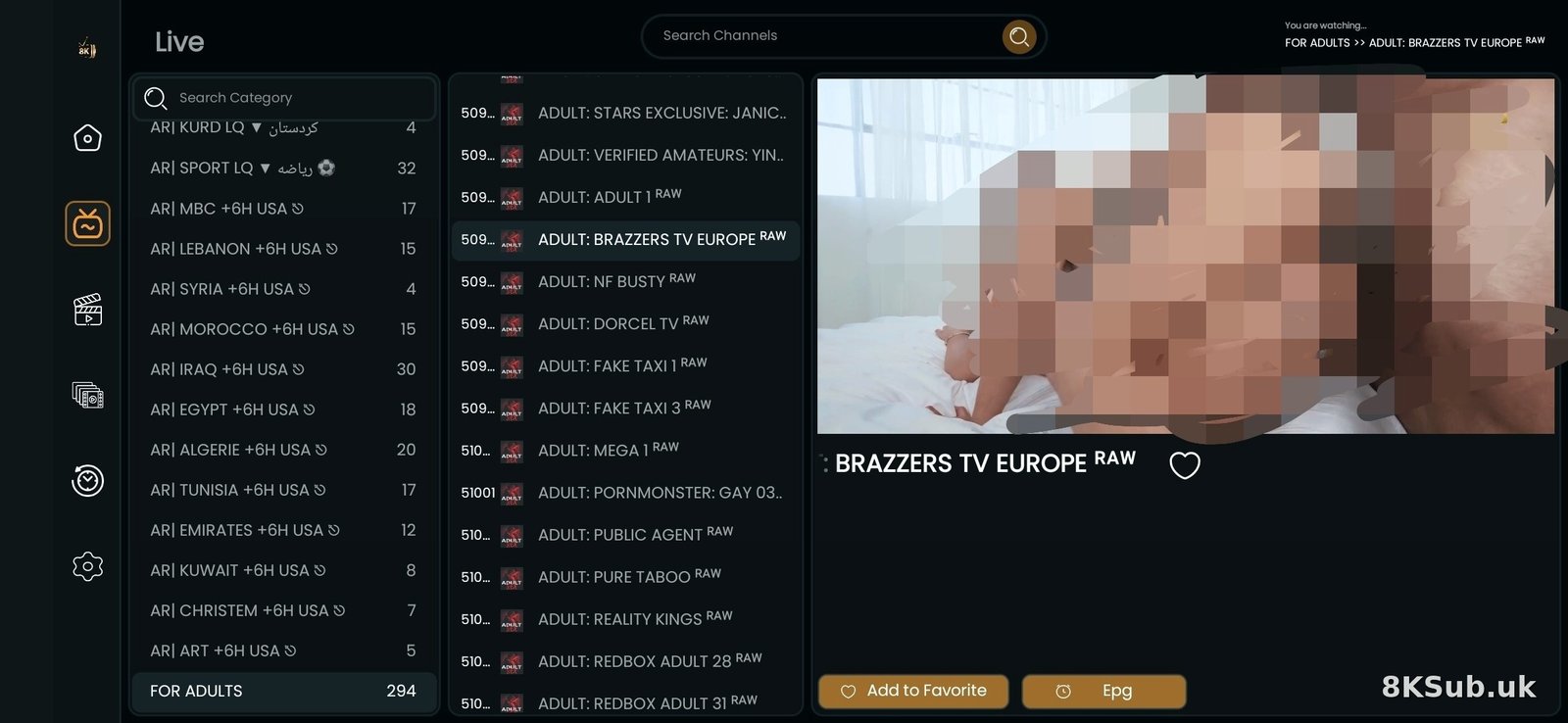
British TV Setup
Configure for optimal UK viewing:
- Regional Settings: Set location to UK
- Language: English (United Kingdom)
- Time Zone: Europe/London (auto-adjusts for BST)
- Date Format: DD/MM/YYYY
- Parental Controls: PIN-protect adult channels (Ofcom requirement)
Popular UK Channels Organization
Create favourite groups:
- Freeview: BBC, ITV, Channel 4, Channel 5
- Sky Channels: Sky One, Sky Atlantic, Sky Witness
- Sports: Sky Sports, BT Sport, Premier Sports
- Movies: Sky Cinema, Film4
- News: BBC News, Sky News, GB News
- Kids: CBeebies, CBBC, Cartoon Network
Catch-Up TV Configuration
If your provider offers catch-up:
- Enable catch-up in app settings
- Set retention period (usually 7 days)
- Configure recording folder
- Learn to access via EPG (usually press OK on past programmes)
Chapter 7: Troubleshooting Mastery
Diagnostic Process
When issues occur, follow this systematic approach:
- Check Internet: Test speed at fast.com
- Test Other Channels: Is it one channel or all?
- Try Different App: Rule out app issues
- Check Provider Status: Are servers online?
- Restart Everything: Device, router, app
Common Issues & Solutions
🔄 Continuous Buffering
Causes: Slow internet, server overload, wrong settings
Solutions:
- Reduce video quality
- Increase buffer size
- Switch to Ethernet
- Try different server
- Contact provider about server load
📺 Black Screen / No Video
Causes: Decoder issues, codec problems, app crash
Solutions:
- Switch decoder (Hardware ↔ Software)
- Try external player
- Clear app cache
- Reinstall app
🔊 Audio Issues
Causes: Wrong audio track, sync issues, codec
Solutions:
- Change audio track in settings
- Adjust audio sync (if available)
- Try different audio output (Stereo vs Passthrough)
- Use external player with audio sync
📡 Channel Not Working
Causes: Server issue, channel offline, geo-block
Solutions:
- Try again later (temporary issue)
- Check if specific to one channel
- Use VPN if geo-blocked
- Report to provider
Performance Monitoring
Keep track of your setup performance:
- Speed Tests: Weekly tests at peak hours
- Buffer Logs: Note when buffering occurs
- Channel Issues: Document problematic channels
- App Updates: Keep changelog
Chapter 8: Maintenance & Updates
Weekly Maintenance
- Clear app cache
- Check for app updates
- Test all favourite channels
- Verify EPG is current
Monthly Maintenance
- Restart streaming device
- Restart router
- Check storage space
- Update playlist if needed
- Review and update favourites
Quarterly Review
- Evaluate subscription value
- Test new apps/features
- Review network setup
- Check for better providers
- Update backup settings
Conclusion
You now have the knowledge to set up, configure, and maintain a professional-grade IPTV system. Remember:
- ✅ Start with quality hardware
- ✅ Optimize your network
- ✅ Choose the right app for your needs
- ✅ Configure settings properly
- ✅ Maintain regularly
- ✅ Troubleshoot systematically
IPTV technology continues to evolve. Stay updated with the latest apps, features, and best practices for the best streaming experience.
Ready to Set Up Your IPTV?
Get started with our recommended service and enjoy premium UK streaming.
Start Your Free TrialLast updated: April 2026. Technology and recommendations subject to change.